
Create Nickname Guide
You can create your own unique nickname. Player nicknames are the main way players recognize you on the JILI Social Arena platform, so create one and make your nickname shine on the leaderboards.
( Once you've confirmed your nickname, you can't change it - you only get one chance, so make it count. )
If this is your first time logging into your account, use the following steps:
Step 1 : Look at the top right login page.

Step 2 : Click the page avatar icon to open the “Member Information” page.
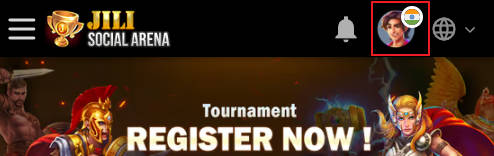
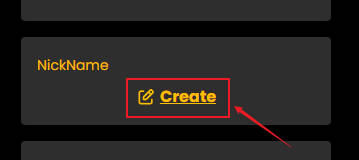
Step 3 : Click the icon on the right side of the account name to create a Nickname, follow the steps.
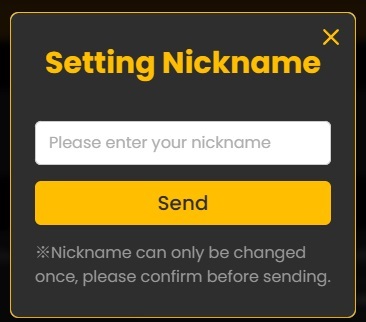

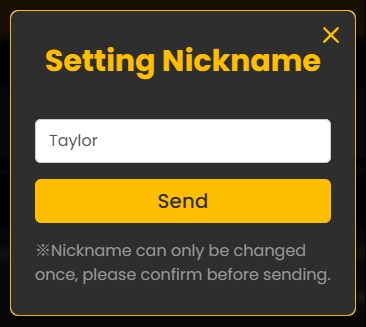
※ Nickname Can be created up to 7 characters. use English or number to Create Nickname only.
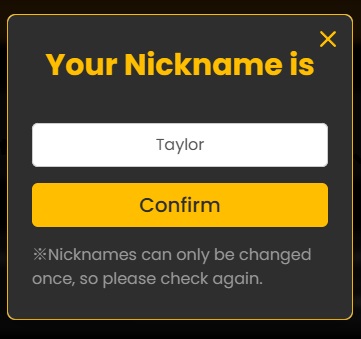
※ After confirming the Nickname, you can't change it anymore, and the created Nickname will be show in the leaderboard.

※ When the Nickname creation is complete, the creation notification will be displayed.
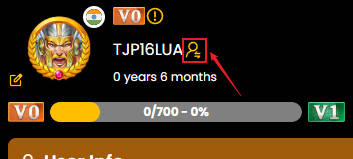
※ You can switch between “Account” and “Nickname” in the member information page.